ASU Prep Academy

WordPress Multisite CSS HTML JavaScript PHP

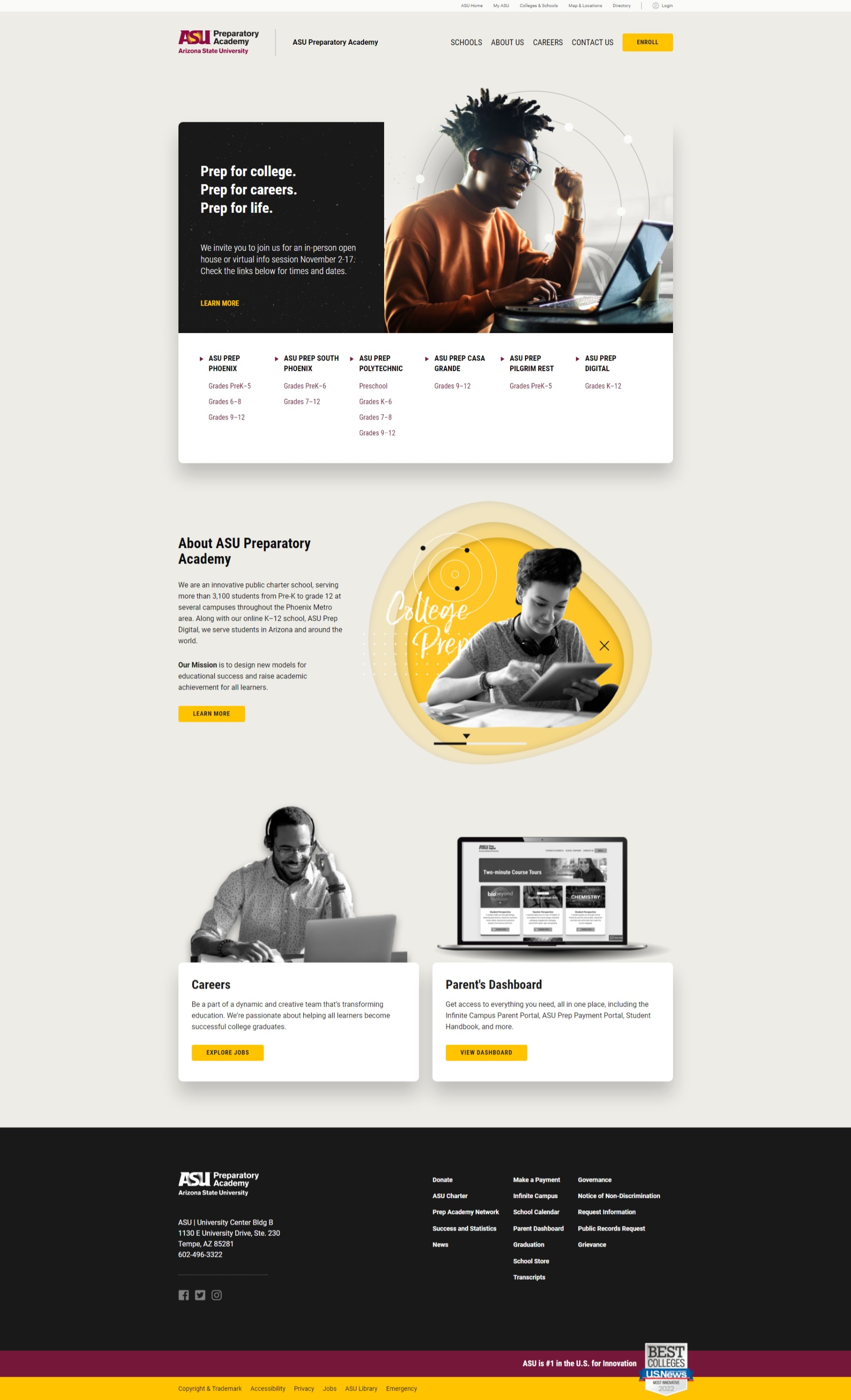
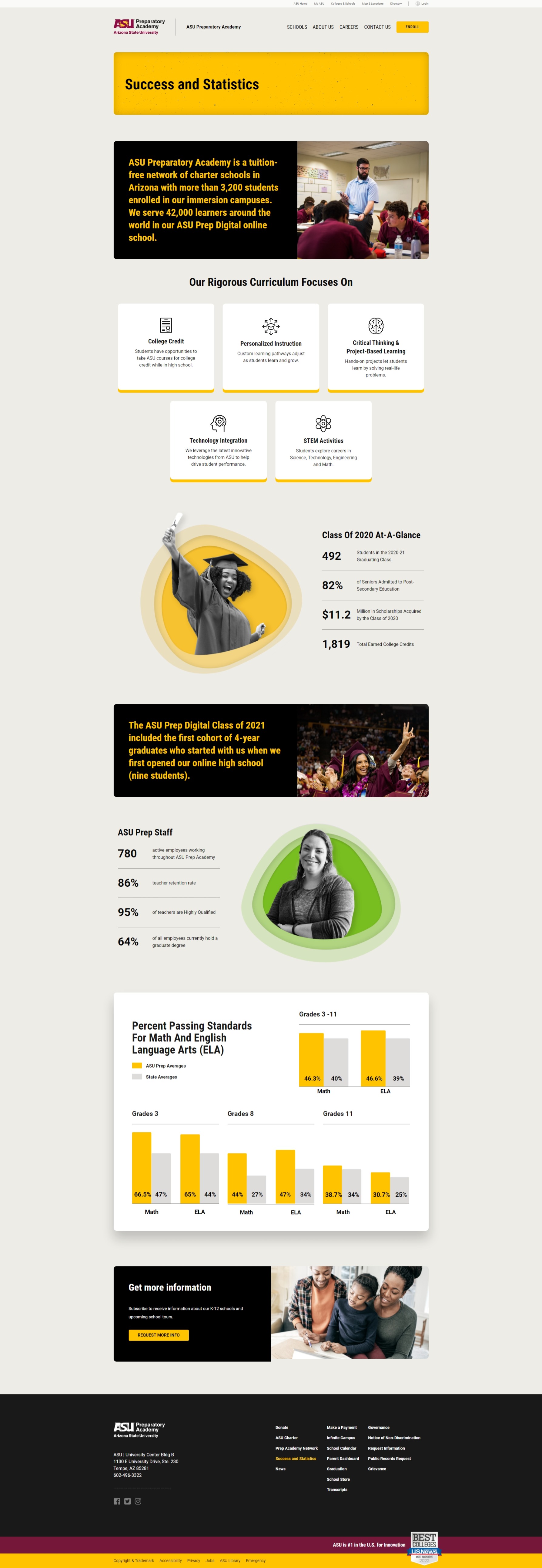
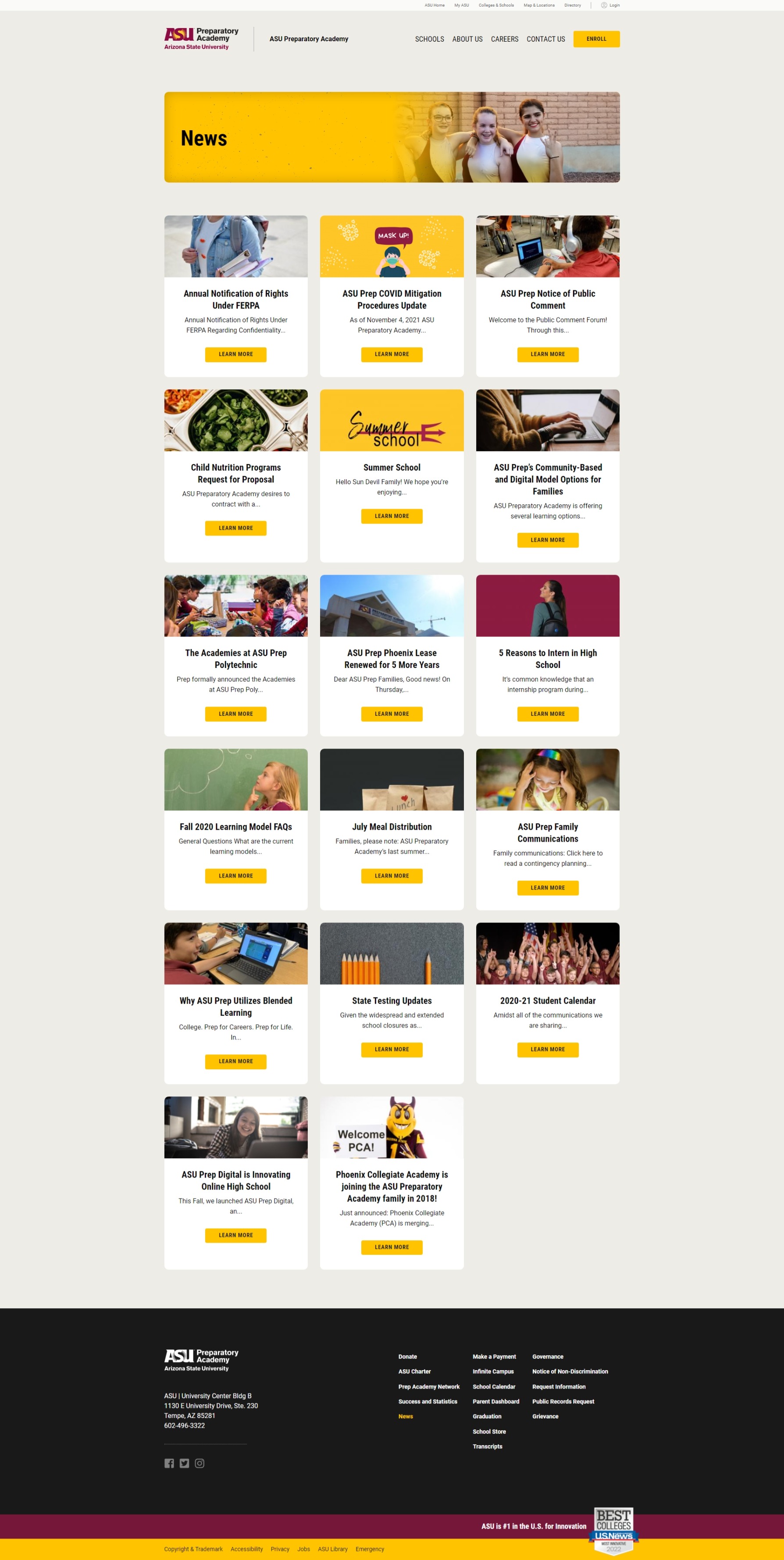
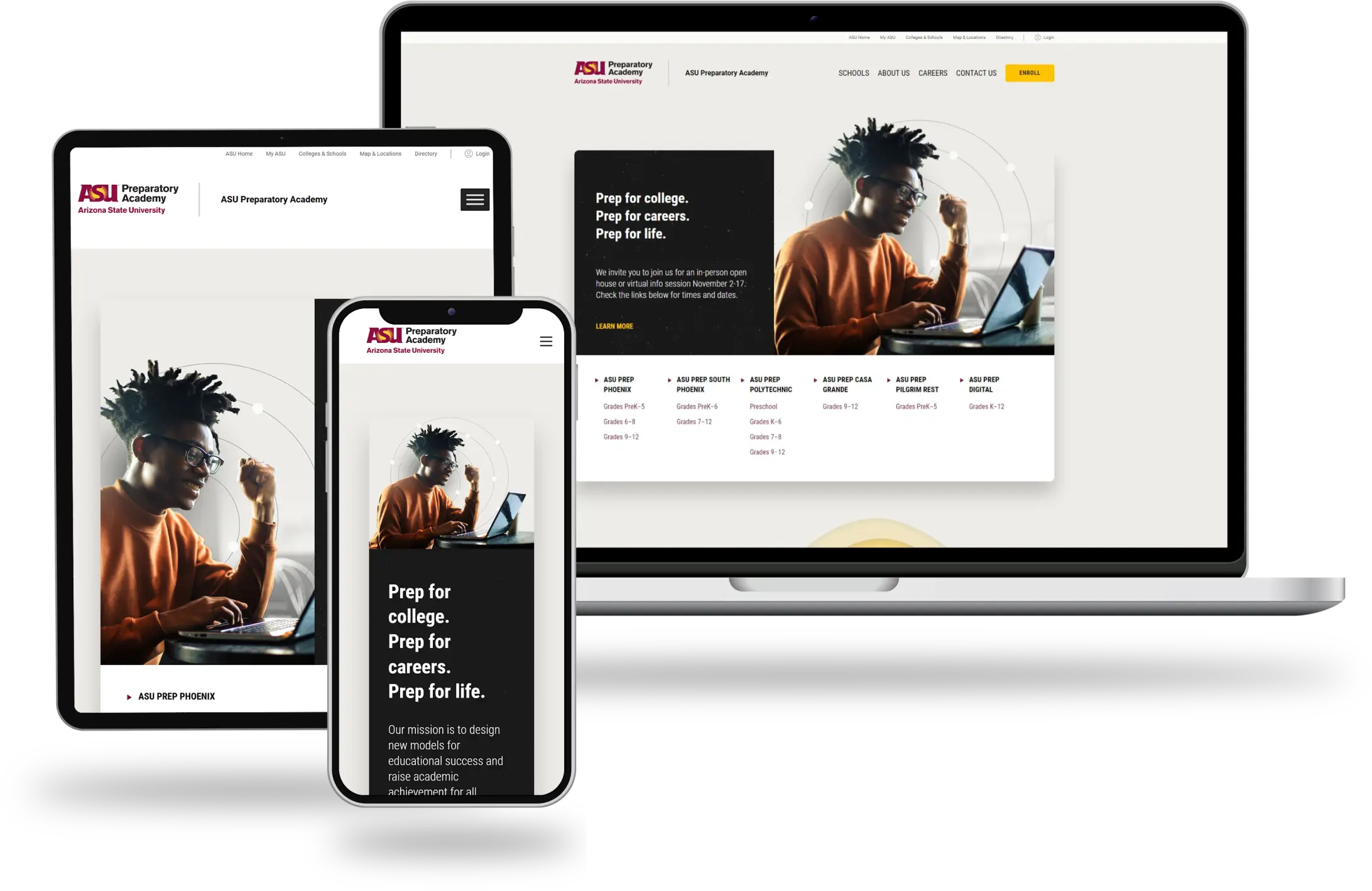
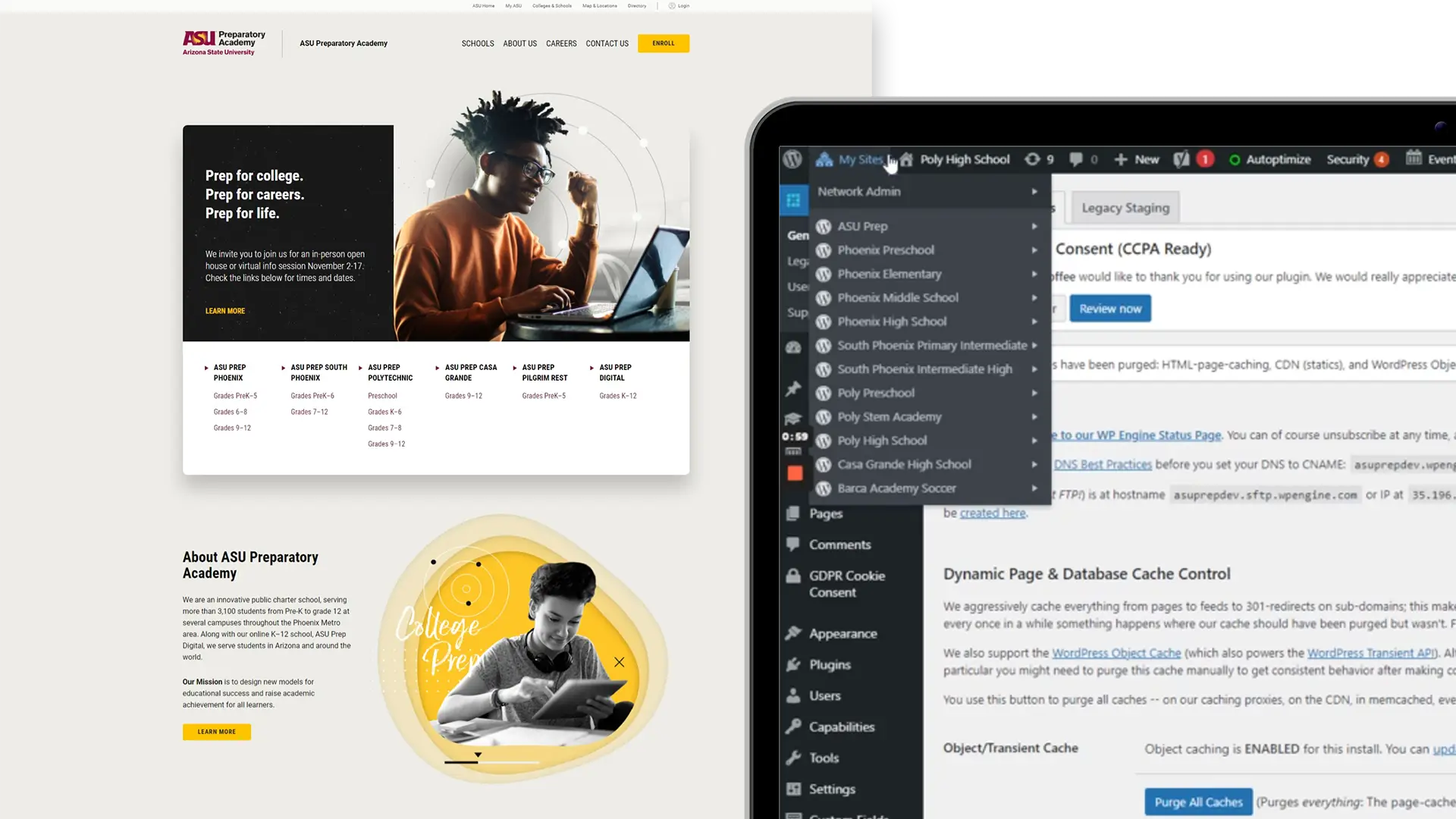
Rebuilt the ASU Prep Academy website as a WordPress Multisite for all K–12 schools under one network, while giving each school its own site. The previous setup was a single Drupal site with school pages, which made permissions and updates difficult. In the new Multisite, each school has its own site with dedicated admin/editor access, so teams can manage their own content without affecting others.

To make updates simple and consistent, I implemented the entire editing experience with Advanced Custom Fields (ACF). I planned flexible field groups to support small content/layout variations per school, using a mix of global ACF JSON (shared across the network) and site-level fields where needed. This approach delivers a consistent design across all schools, reduces maintenance, and streamlines updates. Since all sites share the same codebase and theme, improvements and fixes roll out across the entire network.
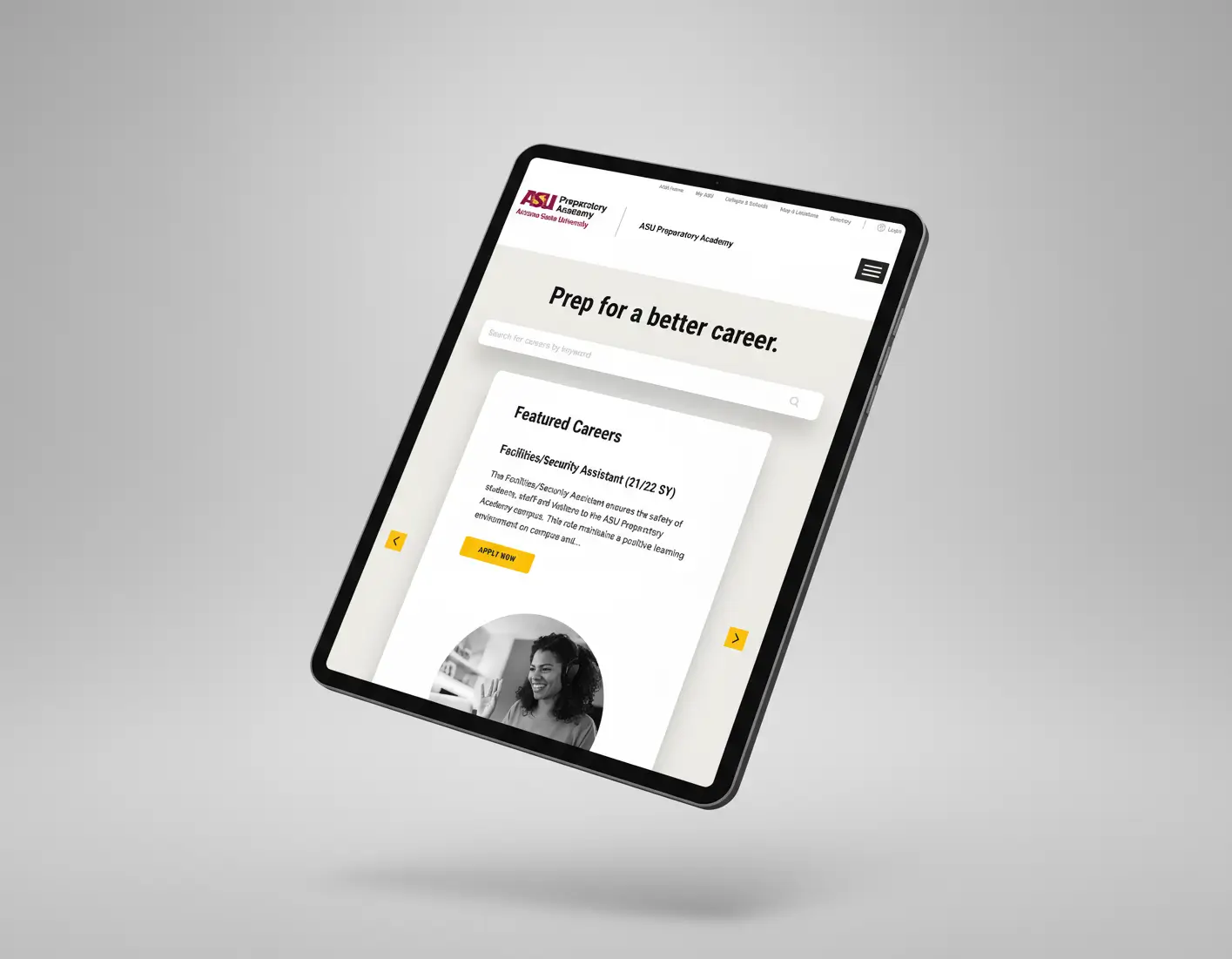
Live Job Listings via ASU Job Board API

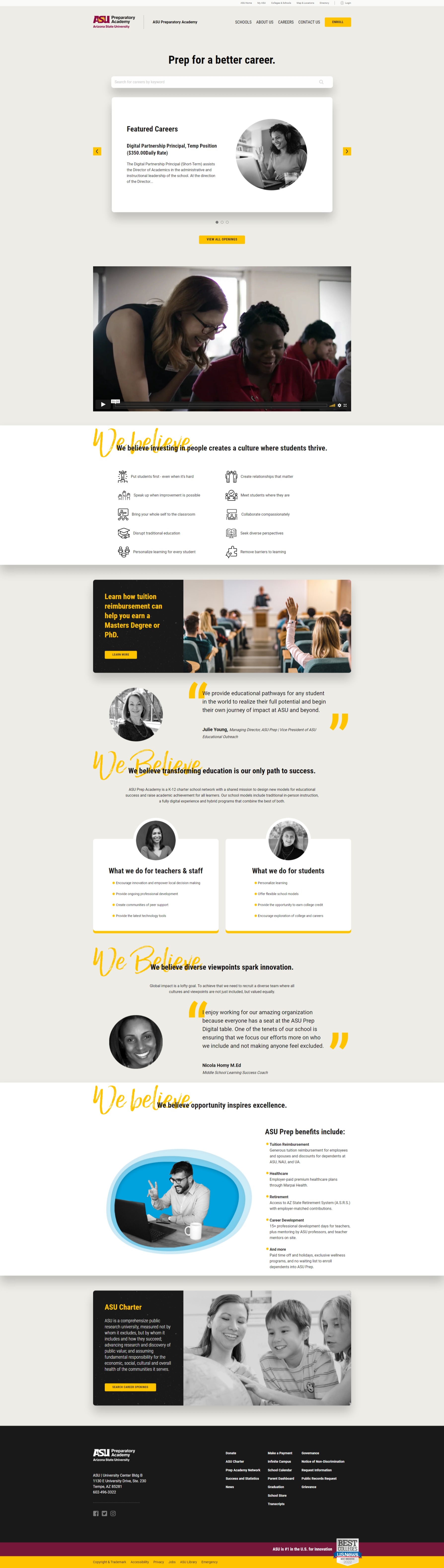
API integration with the Arizona State University job board displays live, searchable listings directly on the website, updated in real time and linked to each job posting.

Reusable Page Templates and Sections

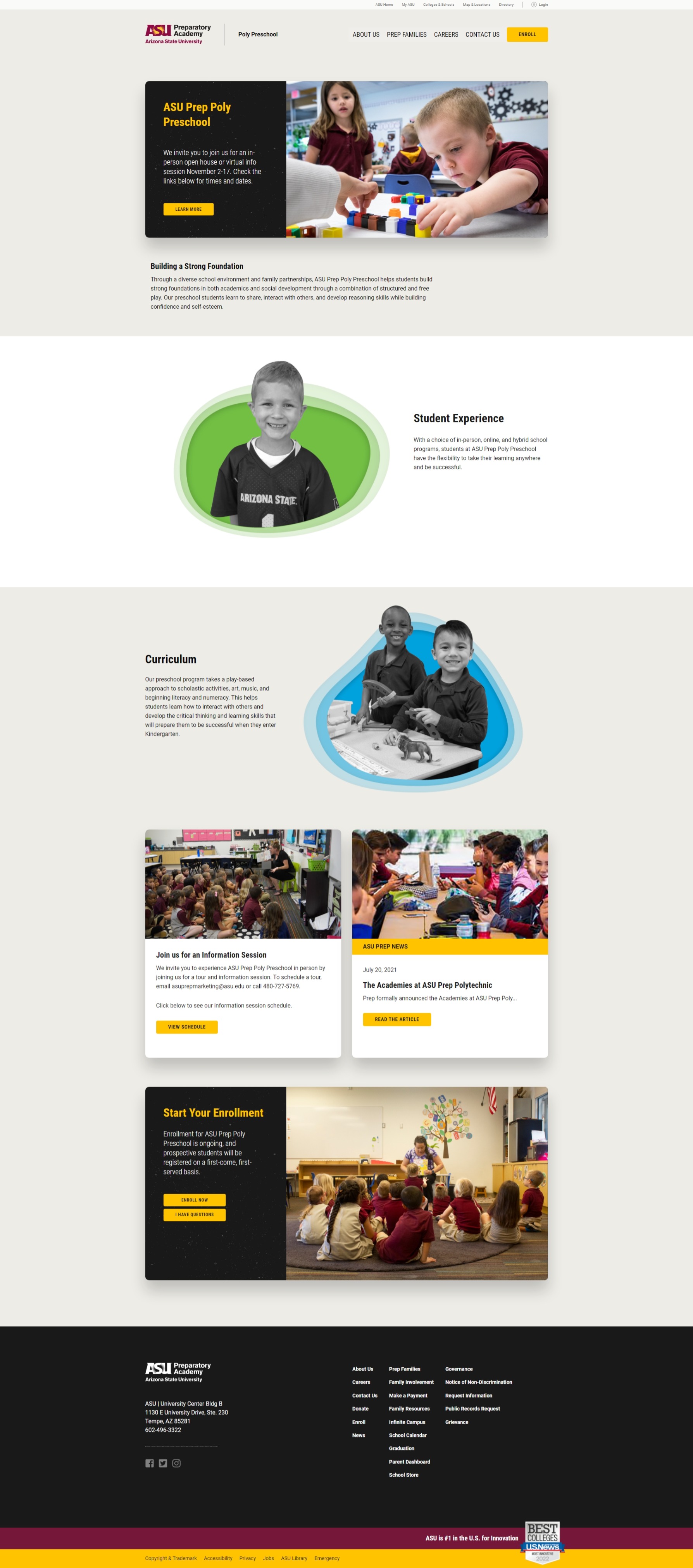
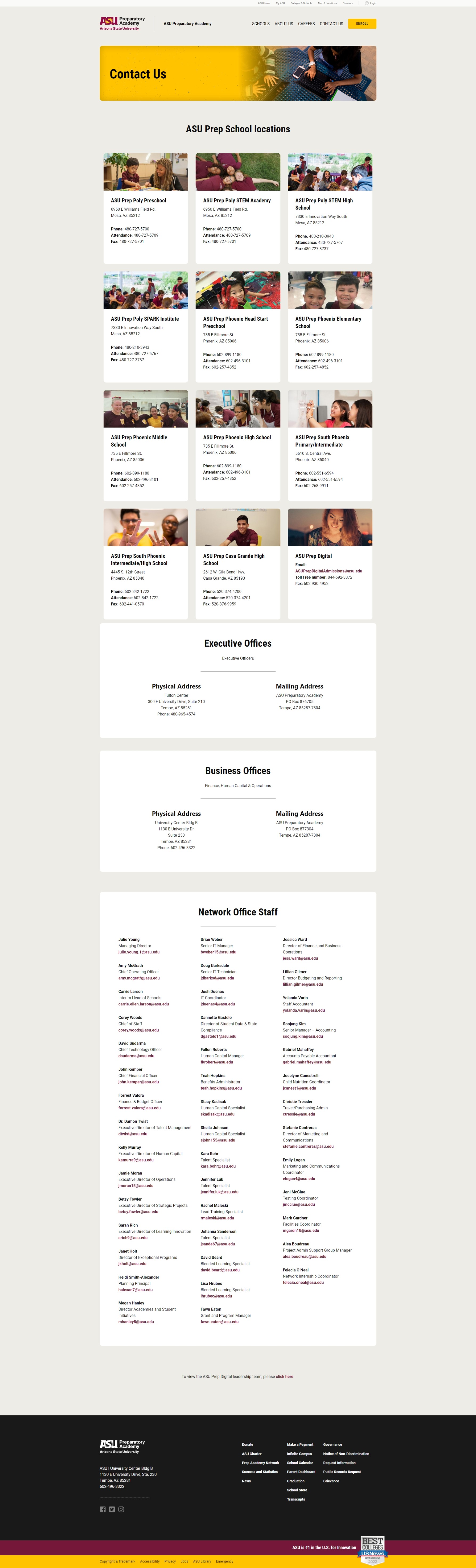
To keep content consistent across the multisite while allowing each school to tailor pages to its needs, the Lead UI Designer created a system of page templates and modular sections. I led the implementation and architecture, translating those designs into a reusable template library that works across the entire network.

This was a joint effort with another developer who helped build and refine the templates; I served as the primary developer, setting direction and standards. Editors can mix and match sections, add content easily via Advanced Custom Fields (ACF), and maintain a uniform look and feel supporting school-specific variations without sacrificing consistency or maintainability.

(The embedded preview below lets you zoom in/out and scroll to explore the templates.)

You can click inside the board to view more. Press “Z” to zoom to view all in canvas